The CMS Behind My Portfolio: From Edit to Public Page
How one content record moves through capability-gated Admin editing, shared contracts, Supabase RLS, and the public Portfolio renderer.
- Content Management
- Supabase
- PostgreSQL
- Next.js
- System Design
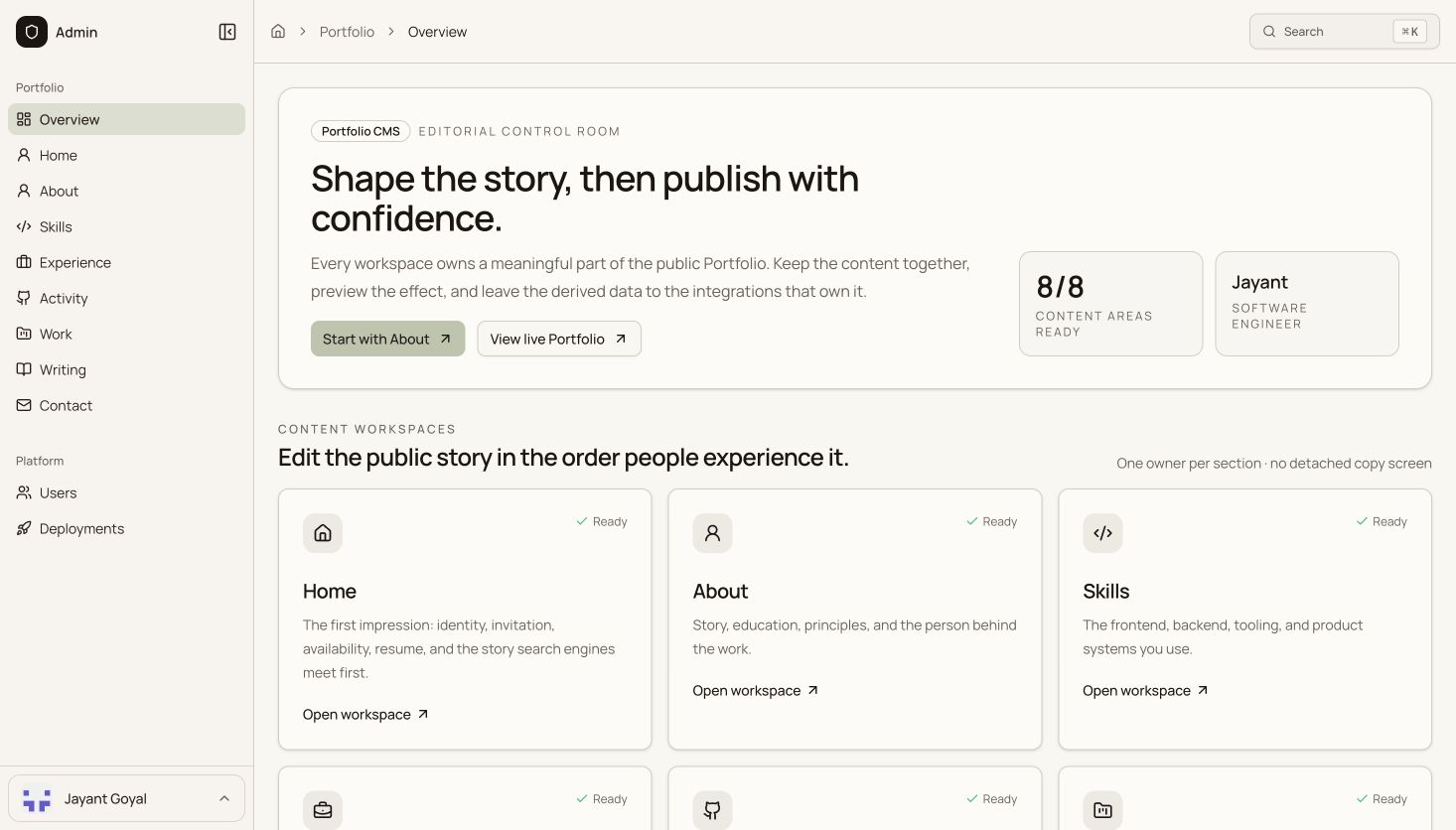
The most dangerous CMS bug is not a failed save. It is a successful save that changes nothing.
I had reached a point where a portfolio value could exist in more than one place: an editable database record, an old field kept for compatibility, or a fallback in application code. The Admin screen could say one thing while the public site rendered another. Everything looked healthy in isolation; the system as a whole had stopped telling the truth.
So I rebuilt the content path around one question:
When I change a value in Admin, what exact path carries that change to the page a visitor sees?
The result is a deliberately small CMS spread across two Next.js applications and one Supabase schema. Admin is the private editing surface. Portfolio is the public reader. A shared contract sits between them so neither side can quietly invent a different version of the content model.
What the system owns
This is not only a blog editor. The same CMS model drives the public professional narrative:
- home-page positioning and section copy;
- experience, education, skills, and credentials;
- work summaries and publishable case studies;
- writing posts, covers, tags, and publication state;
- navigation, contact details, and resume presentation.
The public name is intentionally not editable CMS content. It comes from a shared identity registry. The role, headline, availability, links, and editorial copy are mutable and belong to the Portfolio schema. That separation stops identity from becoming another duplicated text field.
Architecture at a glance
There is no generic “content” table and no page-builder abstraction. Each domain keeps a shape that matches how it behaves. Experience records are ordered. Work can carry a structured case study. Writing stores Markdown. Section presentation has its own constrained keys.
That decision trades unlimited flexibility for something I value more in a personal system: every field has an obvious owner, an explicit type, and a known public destination.
The rule that removed content drift
The Portfolio application never imports Admin code, and Admin never becomes the owner of Portfolio data. Both applications consume @jayantgoyal/portfolio-contracts, a Portfolio-owned package that defines:
- the columns each reader is allowed to select;
- the fields Admin is allowed to write;
- validation for slugs, URLs, arrays, and publication data;
- the difference between CMS records and public records;
- the rules for draft, hidden, and published content.
The public reader receives less data by design. For example, publication flags are query predicates; they are not included in the public article shape. Admin receives the full record because it needs to edit and explain that state.
If the database changes but one application does not, TypeScript and runtime validation are meant to fail loudly. A visible error is easier to fix than a stale fallback silently winning.
What happens when I press Save
The browser does not talk to the database with elevated credentials. It sends the form to an Admin route, and that route rebuilds the trust chain on every mutation.
The route only accepts the writing_posts table. Generated fields such as IDs and timestamps are rejected if a client tries to send them. The slug must be lowercase and hyphenated. A cover must be an HTTP(S) URL or a site path. A published post must contain content and a publication timestamp.
Only after the user session and the live portfolio.content.update capability pass does the server create its elevated database client. Proxy admission is not treated as authorization; every write route checks again.
After a successful mutation, the Admin application invalidates its known Portfolio and Writing paths. The public Portfolio also keeps a 60-second data-cache window, so an edit needs no rebuild or redeploy and converges quickly even across the two deployments.
Publishing is a state, not a checkbox
I separated “published” from “visible” because they answer different operational questions.
This gives me three useful states:
| State | Meaning | Publicly readable |
|---|---|---|
| Draft | Still being written | No |
| Published | Complete, dated, and visible | Yes |
| Hidden | Preserved in the CMS but removed from the site | No |
The database repeats the important rules with check constraints, and Row Level Security repeats the public boundary. Anonymous readers can select only rows where both is_published and is_visible are true.
One detail is intentionally explicit: published_at records editorial time; it is not an automatic scheduler. Setting a future timestamp does not queue a future release. That distinction prevents the UI from implying automation that does not exist.
How a public article is assembled
The public application uses the anonymous Supabase key and relies on RLS. It selects an explicit set of public columns from the portfolio schema, filters for published and visible rows, and orders the Writing index by publication date.
For an individual article, the slug query uses the same publication filters and returns no record when the post is private. The page then combines four layers:
- the canonical Writing record;
- CMS-controlled article presentation copy;
- fixed person and product identity;
- the editorial renderer.
Core CMS failures do not fall back to an old duplicate article. The page surfaces an application error or a not-found response. That is less graceful than showing stale content, but it keeps the system honest.
React request caching deduplicates reads during one render. Next.js data caching gives the Writing list and detail queries a 60-second revalidation window under the same cache tag. This keeps the public pages fast without turning deployment time into content publication time.
Markdown built for visual explanations
Writing is stored as one Markdown document because it is portable, diffable, and expressive enough for technical case studies. The renderer supports GitHub-flavored tables and lists, maps headings into an “Inside this note” table of contents, calculates reading time, and styles code and quotations as part of the Portfolio editorial system.
The missing piece was diagrams. A Mermaid block used to appear as a dark code sample, which meant the article technically contained a graph but the reader could not see one.
Now a fenced block marked mermaid is detected separately from ordinary code. The browser loads Mermaid only for an article that needs it, renders the source with strict security settings, and places the SVG inside a responsive, horizontally scrollable canvas. If the diagram source is invalid, the article shows a local error instead of breaking the rest of the page.
That turns architecture into part of the story rather than an attachment the reader has to imagine.
Images have their own controlled path
Writing covers are not pasted into arbitrary server folders. Admin uploads them to the public portfolio-assets bucket through an authenticated endpoint.
Before upload, the endpoint checks the asset kind, MIME type, and size. Writing covers accept PNG, JPEG, or WebP files up to 15 MB. The object path includes a timestamp and random UUID, uses a one-year cache policy, and refuses overwrite-by-default. Admin stores the resulting public URL in the Writing record.
This keeps binary files out of the database while leaving the database in control of which image belongs to which article.
Security is part of the content model
The interesting security boundary is not “Admin has a login.” It is that read and write capabilities are independent and enforced at several layers.
- The Admin proxy requires an authenticated user and handles MFA admission.
- Each API route checks the specific live IAM capability again.
- Table names and writable fields are allowlisted.
- Shared validation rejects malformed or generated data before the query.
- Supabase RLS protects the database if a route is bypassed.
- The public Portfolio never receives a service-role key.
An Admin viewer can read unpublished content without gaining mutation access. Create, update, and delete are separate capabilities. That granularity matters because a CMS is an operational tool, not merely a private webpage.
Discoverability stays tied to the record
The article row also feeds the parts people see before opening the page.
The route builds canonical metadata, an article Open Graph card, and Twitter card data from the title, excerpt, cover, publication date, and updated timestamp. It emits Article JSON-LD with the author and canonical page URL. Published Writing records are added to the sitemap using each row’s own updated_at value.
Changing the title or cover therefore changes both the article and its social description from the same source. There is no separate metadata document to remember to update.
What I would improve next
The system is intentionally honest about its current limits.
- The Markdown editor has a side-by-side preview, but that preview does not yet use the complete public renderer.
- Cross-deployment cache invalidation is bounded by the Portfolio’s short revalidation window rather than a dedicated signed webhook.
published_atdescribes publication; it does not schedule it.- Cover uploads are first-class, while inline article-image insertion is still manual Markdown.
Those are useful next steps because the core ownership model is already stable. Improvements can extend one path instead of adding a second truth.
The stack
| Layer | Technology | Responsibility |
|---|---|---|
| Public site | Next.js 16, React 19 | Server-rendered Portfolio and Writing pages |
| Admin | Next.js 16, React 19 | Authenticated editing and operations |
| Data | Supabase Postgres | Canonical Portfolio records and constraints |
| Authorization | Supabase Auth, IAM capabilities, RLS | Private editing and published-only public reads |
| Assets | Supabase Storage | Public covers and Portfolio files |
| Contracts | TypeScript workspace package | Shared read, write, and validation rules |
| Content | Markdown, remark-gfm, Mermaid | Prose, tables, code, and live diagrams |
The most important part is not any technology in that table. It is the line that can be traced from an editor action to a public result.
One field. One owner. One explainable path.